Stretch Every Dollar: How to Build a Killer Gaming PC for Under $800 in 2025

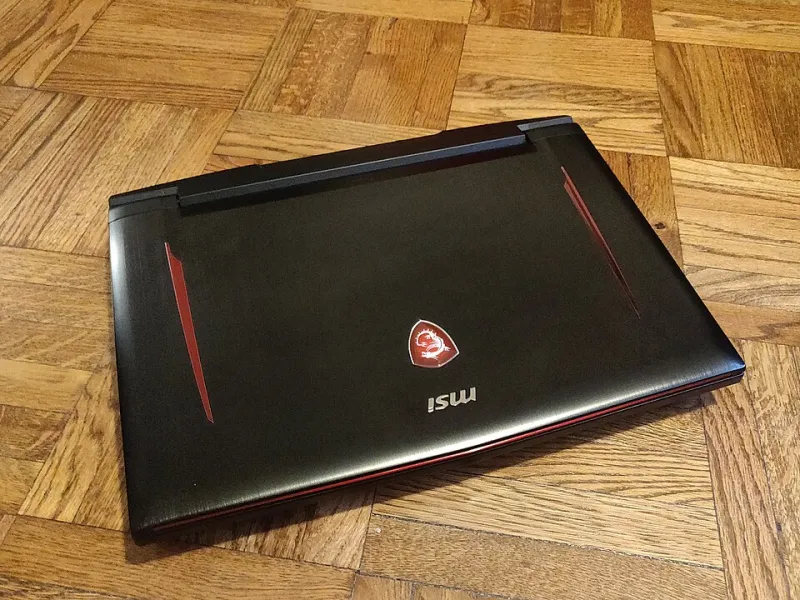
Photo: budget gaming PC build components spread on desk 2025, via appassets.mvtdev.com
Let's be real — PC gaming has a reputation for being expensive, and sometimes that reputation is earned. But here's the thing: you don't need a $2,000 rig to play Elden Ring, Helldivers 2, or whatever massive release drops this fall. With smart component choices and a little patience, an $800 budget can get you a machine that genuinely slaps in 2025.
We've done the legwork so you don't have to. Below is a full parts list, some performance context, and tips on where to cut corners safely — and where you absolutely shouldn't.
The Build at a Glance
Before we dive into the details, here's the parts list we're working with:
- CPU: AMD Ryzen 5 7600 (~$170)
- GPU: AMD Radeon RX 7600 XT or NVIDIA RTX 4060 (~$260–$290)
- Motherboard: MSI PRO B650M-A WiFi (~$110)
- RAM: 16GB DDR5-5600 (2x8GB) from G.Skill or Kingston (~$55)
- Storage: 1TB NVMe SSD (WD Black SN770 or similar) (~$65)
- PSU: EVGA SuperNOVA 650 G6 or Corsair CV650 (~$65)
- Case: Fractal Design Focus 2 or Montech Air 100 (~$55)
Estimated Total: ~$770–$810 depending on sales
Prices fluctuate, especially around events like Amazon Prime Day and Black Friday. Set up price alerts on CamelCamelCamel or PCPartPicker and you can shave another $30–$50 off this list without breaking a sweat.
CPU: Why the Ryzen 5 7600 Is the Sweet Spot
The Ryzen 5 7600 is a six-core, twelve-thread processor that punches well above its price class. In gaming, it keeps pace with Intel's Core i5-13600K in most titles, and it runs cooler and draws less power. It also comes with a decent stock cooler (the Wraith Stealth), which means you can skip the aftermarket cooler for now and revisit that upgrade later.
One thing to keep in mind: going with AM5 platform means you're investing in a socket that AMD has committed to supporting through at least 2027. That's future-proofing on a budget, which is rare.
GPU: The Heart of Your Gaming Experience
This is where most of your budget should land, and we've got two solid choices depending on your priorities.
The RX 7600 XT is AMD's value champ for 1080p and light 1440p gaming. It handles titles like Forza Horizon 5, Cyberpunk 2077 (on medium-high settings), and Call of Duty: Warzone at 60–90 fps at 1440p without much complaint. It's also got 16GB of VRAM, which is genuinely impressive at this price tier.
The RTX 4060, on the other hand, wins if you care about DLSS 3 and ray tracing. It's more efficient, runs quieter, and benefits from NVIDIA's software ecosystem, including Frame Generation. The tradeoff is only 8GB of VRAM, which is starting to feel a little tight in some 2025 titles.
Our pick? If you're staying at 1080p and want a longer upgrade cycle, grab the RX 7600 XT. If you want DLSS magic and a quieter system, go RTX 4060.
RAM and Storage: Don't Skimp, But Don't Overspend
DDR5 is now the standard on AM5 builds, and 16GB at 5600MHz is the sweet spot for gaming in 2025. You'll see diminishing returns going to 32GB for most gaming workloads, though if you also use your PC for streaming or video editing, bump up to 32GB and trim elsewhere.
For storage, a 1TB NVMe SSD is non-negotiable. Games are massive now — Call of Duty alone can eat 200GB — so a 1TB drive is a starting point, not a luxury. The WD Black SN770 consistently scores well in real-world load tests and is usually on sale somewhere.
Benchmarks: What Can This Thing Actually Do?
Here's a rough look at what you can expect from this build at 1080p with the RX 7600 XT:
| Game | Settings | Avg FPS |
|---|---|---|
| Cyberpunk 2077 | High (no RT) | ~72 fps |
| Forza Horizon 5 | Ultra | ~95 fps |
| Helldivers 2 | High | ~80 fps |
| Hogwarts Legacy | High | ~68 fps |
| Apex Legends | High | ~130+ fps |
These aren't cherry-picked numbers — they're representative of what a mid-range 2025 GPU delivers. Competitive shooters will absolutely fly, and cinematic single-player games are very playable on high settings.
Pre-Built vs. DIY: Which Makes More Sense?
This question comes up constantly, and the honest answer is: it depends.
Pre-built PCs in the $800 range have gotten better, but they still tend to cut corners on PSU quality, storage speed, and sometimes RAM configuration (looking at you, single-channel 16GB setups). Brands like iBUYPOWER and CyberPowerPC offer decent baseline machines, but you're often paying a $100–$150 premium for assembly convenience.
Building yourself takes a Saturday afternoon, a YouTube tutorial (Linus Tech Tips and JayzTwoCents both have solid beginner guides), and a little patience. The reward is knowing exactly what's inside your machine and having full control over future upgrades.
If the idea of touching a CPU socket gives you anxiety, there's no shame in going pre-built. But if you're even mildly curious about the process, DIY is absolutely worth it at this budget.
Cost-Saving Tips That Won't Hurt Performance
- Buy used GPUs carefully. Facebook Marketplace and r/hardwareswap can score you a deal, but stick to previous-gen cards (like an RX 6700 XT) only if the price is at least 30% below retail.
- Skip the RGB everything. Fancy lighting adds zero frames per second and can add $20–$40 to your build cost.
- Reuse what you have. Old HDDs, keyboards, and monitors from a previous setup are all fair game.
- Watch for combo deals. Retailers like Micro Center (if you have one nearby) often bundle CPUs with motherboards for significant discounts.
Final Thoughts
An $800 gaming PC in 2025 isn't a compromise machine — it's a capable, well-rounded rig that'll handle the vast majority of what PC gaming throws at it. The key is being intentional with where you spend and where you hold back.
Grab your parts list, check PCPartPicker for compatibility, and don't be afraid to wait a week for a sale. Your wallet will thank you, and your gaming setup will look a whole lot better for it.