That Weird Buzzing Sound Coming From Your PC? Here's What's Actually Going On
You fire up your favorite game, the frame rate climbs, and then — there it is. A thin, reedy whine cutting through the air like a dentist's drill crossed with a mosquito. Your headphones can't quite drown it out. Your roommate keeps asking what that noise is. Welcome to the coil whine club. It's a bigger club than most people realize.
Coil whine is one of those PC problems that's genuinely hard to Google because the symptoms sound like something out of a horror movie. But the actual explanation is surprisingly straightforward — and the fixes range from free to "call your retailer."
What Coil Whine Actually Is
Inside your GPU, PSU, and motherboard, there are tiny electromagnetic coils — inductors — that regulate electrical current. Under normal conditions, these coils vibrate at frequencies too high for human ears to detect. But when electrical load changes rapidly and repeatedly, those vibrations can drop into the audible range, typically between 1,000 Hz and 12,000 Hz. That's the frequency range where human hearing is most sensitive, which is exactly why coil whine is so irritating even at low volumes.
The coils themselves aren't damaged. Nothing is breaking. Your PC is technically fine. But that's cold comfort at 11 PM when your system sounds like it's auditioning for a nature documentary about insects.
Which Components Are Usually to Blame
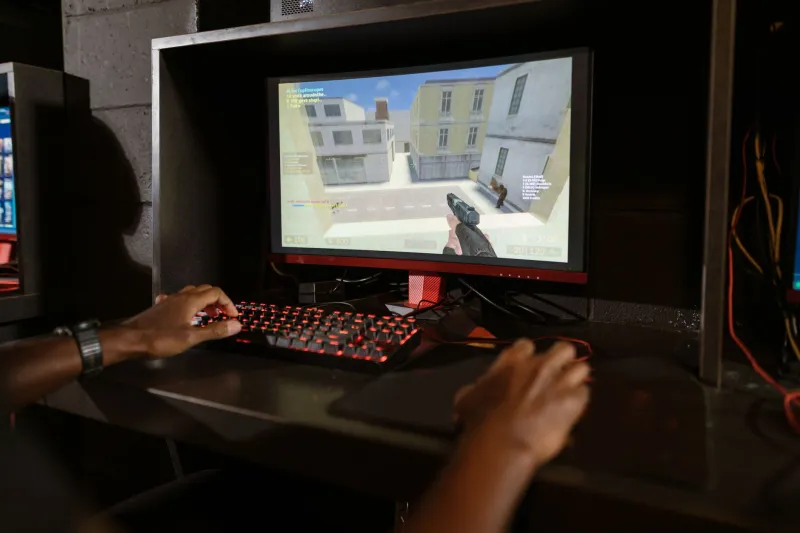
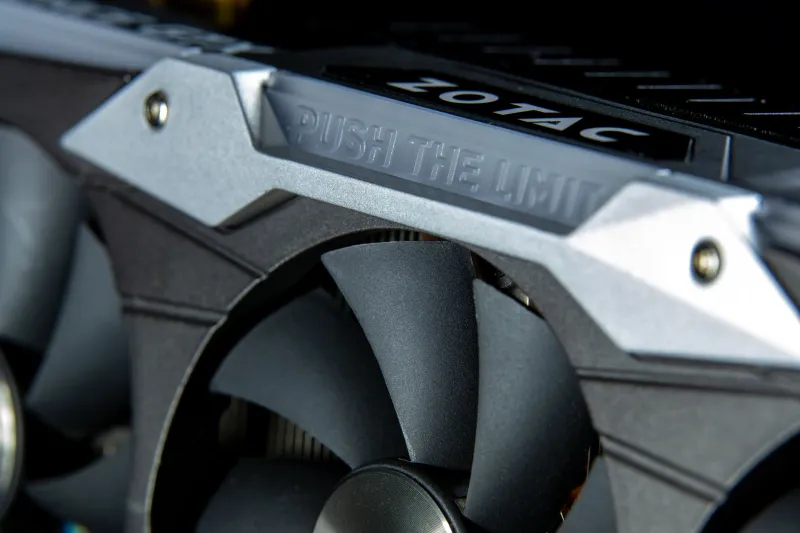
The GPU is the most common offender, especially under high frame rate conditions. When your graphics card is pushing 300+ FPS in a lightweight game or sitting on a menu screen with no frame cap, the electrical load fluctuates rapidly and the coils vibrate more aggressively. This is why coil whine often sounds worse in menus and benchmark screens than during actual gameplay — counterintuitive, but totally normal.
The power supply unit is the second biggest culprit. Cheaper PSUs with looser manufacturing tolerances are more prone to coil whine than well-built units, and the problem tends to get worse as the PSU ages or runs closer to its rated capacity.
Motherboards and even some NVMe SSDs can contribute too, though they're less commonly the main source. If you've isolated your GPU and PSU and the sound persists, it's worth investigating further down the component list.
Why Some PCs Have It and Others Don't
Here's the frustrating part: two identical graphics cards can behave completely differently. Coil whine is heavily influenced by manufacturing variance — the exact tension of the coil winding, the type of adhesive used to secure components, and the physical tolerances of the surrounding PCB all play a role. This is why one person can buy a GPU and have zero issues while their friend buys the exact same model and deals with constant buzzing.
Environmental factors matter too. A case with poor vibration dampening amplifies the noise. High ambient temperatures can change how components behave electrically. Even the specific game or workload matters — some rendering patterns produce more irregular load spikes than others.
Practical Things You Can Try Right Now
Cap your frame rate. This is the single most effective free fix. Use your GPU control panel (NVIDIA's or AMD's), in-game settings, or a tool like RivaTuner Statistics Server to cap your frame rate at your monitor's refresh rate. Uncapped frame rates cause the GPU to fluctuate wildly between maximum and near-idle states, which is exactly the condition that triggers the worst coil whine. Capping at 60, 144, or 165 FPS — whatever your monitor supports — often reduces the whine dramatically or eliminates it entirely.
Enable V-Sync or G-Sync/FreeSync. Similar principle. Synchronizing your frame output smooths out the electrical load on your GPU and reduces the rapid fluctuations that cause coil whine. It's not a perfect solution for everyone, but it's worth testing before spending any money.
Check your PSU connections. Loose power cables can cause micro-arcing that contributes to noise. Reseat your GPU power connectors and make sure everything is firmly clicked in. This takes five minutes and occasionally makes a real difference.
Acoustic dampening inside the case. You can buy foam dampening panels designed to line the interior of your PC case. Brands like Acoustipack sell kits specifically for this purpose. They won't eliminate the electrical vibration, but they can significantly reduce how much of that vibration translates into audible noise. Think of it like putting weather stripping around a drafty door — you're not fixing the source, but you're managing the symptom.
Try a different PCIe slot. This sounds weird, but some users have found that moving their GPU to a different slot on the motherboard changes how the card is physically seated and can alter the resonance characteristics enough to reduce whine. Worth a shot if you have the option.
When DIY Fixes Aren't Enough
If you've tried frame capping, V-Sync, and cable reseating and the whine is still making you miserable, it's time to think about escalating.
If your GPU or PSU is still under warranty — and most come with at least a one-year warranty in the US — coil whine can qualify as a defect depending on the manufacturer's policy. NVIDIA, AMD, and most board partners (ASUS, MSI, Gigabyte, EVGA's legacy cards) have varying stances on this. Some will RMA a card for excessive coil whine, others will tell you it's within spec. It's worth calling or submitting a ticket. Be specific: describe the frequency, the conditions that trigger it, and how loud it is. Vague complaints get dismissed more often.
For PSUs, brands like Seasonic and Corsair tend to be more responsive to coil whine RMA requests than budget-tier manufacturers.
The Honest Bottom Line
Coil whine is annoying, but it's rarely a sign that something is about to fail. Your hardware is probably fine. That said, "technically fine" doesn't mean you should just live with it if it's genuinely affecting your gaming experience — especially on a system you spent real money building.
Start with the free fixes: cap your frame rate, enable sync technology, and check your cables. If those don't cut it, acoustic dampening is a cheap next step. And if the noise is severe enough to warrant it, don't be afraid to use your warranty. That's what it's there for.
Your gaming PC should sound like a quiet machine doing its job — not like something that belongs in a backyard in July.